Iceland With AI, Part Two: The Trip Worked. Now I See the Gaps.
We did it. We actually went to Iceland in November with the trip organised by AI, and it was a success. This is the continuation of the first part, where I wrote about planning the trip, voting, PDFs, bookings, and all the human mess around it.
Now that the trip happened, I can say the AI part worked. Really worked. But as always, I also have opinions about what should be improved, what was frustrating, and what is still missing.
AI helped me stay in control without keeping the whole trip in my head. That is the best use of AI for me. Not replacing the trip. Removing the weight around the trip, so I could actually live Iceland.
The visual plan was not optional
The first thing I learned is that you need a visual way to see what you need to do. For us, that UI was Google Calendar. I am a huge fan of it, and honestly, for this kind of trip, it already contains almost everything.
I could see if we were late or early. And by the way, we were always one of the two. Never just perfectly on time, because of course we were the five of us in Iceland, moving with two campervans.
Google Calendar was also how I shared everything with the crew. Everybody had the plan, the timing, the places, the movements. It was not just a calendar. It was the shared source of truth.
But here is the problem: on the road, the phone is too small. A pure chat UI is not enough. You need photos, text, links, resources, maybe someone reading aloud while the others discuss.
The phone is still the bottleneck
The campervans had no screen. No CarPlay. So everything was on the phone, while driving, navigating, checking the next stop, asking the assistant, reading answers, and trying not to lose focus.
I am dreaming of a sort of CarPlay-like device you can put anywhere. Something mobile-ish, not tied to the car, where the AI assistant is not only a chat box. Because when you are choosing a place in Iceland, sometimes the photo is the decision.
Today switching between photos, text, links, and someone reading aloud is too many clicks. It breaks the flow. And while driving, focus is everything.
The chat is powerful, but the interface around the chat is still not designed for real movement. Maybe nobody is solving this yet because keeping you inside the chat is easier. But for a road trip, it is not enough.
Places were the biggest limitation
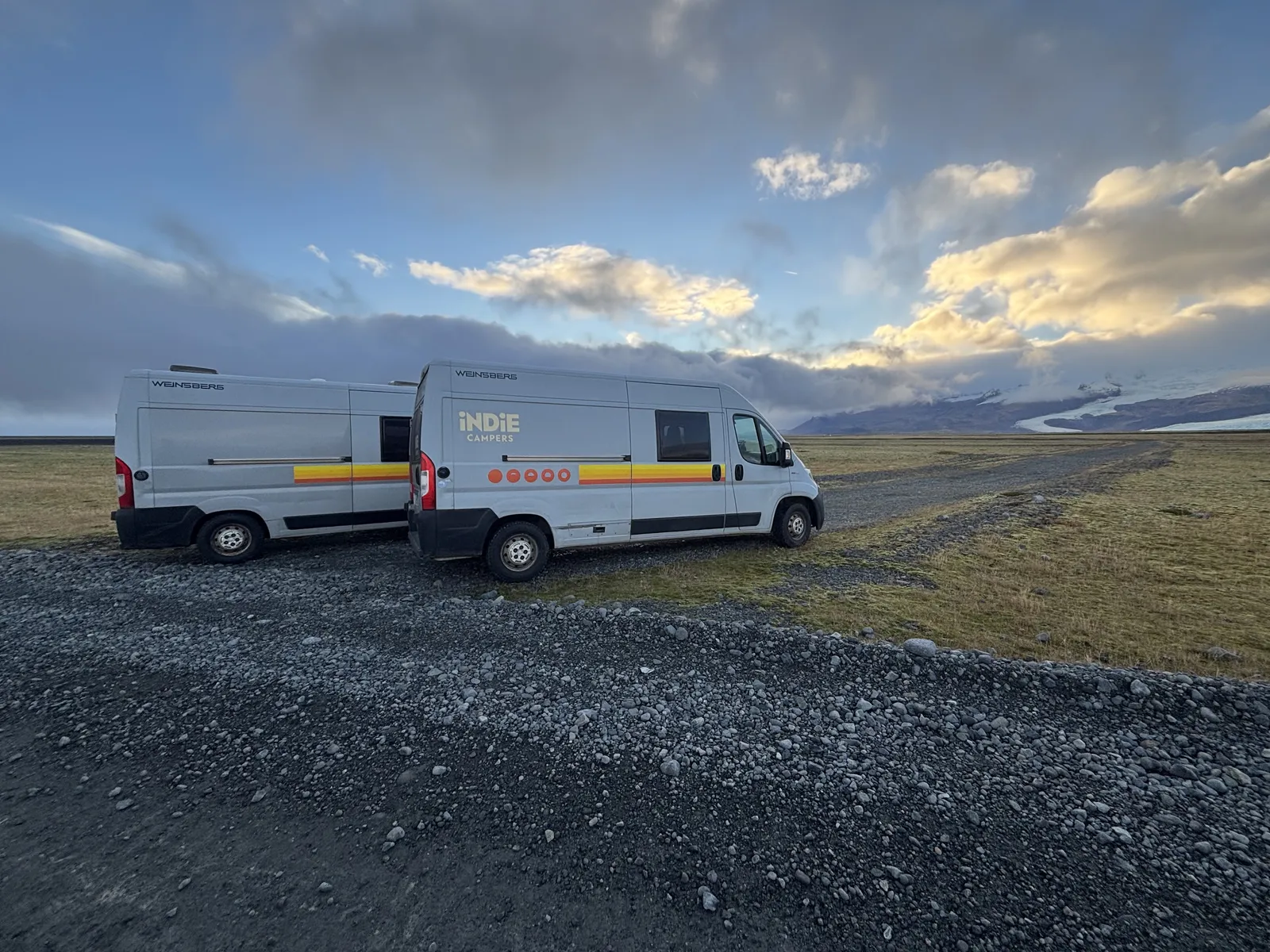
The biggest limitation was places. The assistant did not always understand properly what was near us, what was open, or how far something really was. Sometimes it was guessing, and guessing is not what you want when you are tired and trying to find a hot spring.
My suggestion is simple: connect Google’s own MCP server for Maps. It is official, made by Google Maps Platform, and it is called Maps Experience agent tools (it was Maps Grounding Lite until recently). Not a random community server: real places, routes, travel times, even the weather, straight from Google Maps, connected to your assistant like any other MCP server. Install it instead of letting the model invent or approximate. The model needs structured place data. Opening hours, distance, business profiles, all the boring stuff that becomes very important when you are there.
We decided to have a hot tub or hot spring every day. In Iceland, this is possible because they are everywhere. But finding the right one meant asking the same thing again and again, with slightly different words, until the answer was good enough.
One example: we had to reschedule the entrance to Krauma spa because the assistant read old opening hours from the public website. When I said, “check the website or the Google Business profile”, it immediately saw the hours were different. Holy shit, just use the right source from the beginning.
Claude Code planned it. Phone chat survived it.
I planned everything with Claude Code. There I had the project, the files, the instructions, the context. It was accurate because I could shape it properly.
On the road, instead, I used the chat on the phone. And there I had to re-teach the same things over and over. No CLAUDE.md, no project, no full instructions, no real memory of how I wanted the assistant to behave.
It was frustrating, but it worked. And this is important. Replanning from the phone was possible, and replanning is normal on a trip like this.
Be ready to replan, because the plan will change and that is not a failure. What made the phone chat usable was the context I gave at the start. I shared the Google Calendar events, plus a PDF with all the contacts.
And I used Maria, my own MCP server built with Claude Code, the one I wrote about in the article on cloning things in five minutes. Maria was a game changer because it brought my context into the chat. Not perfectly, but enough to make the assistant useful.
Letting agents act was not scary anymore
During the trip, I gave my agents access to WhatsApp and Gmail. So I was saying things like, “send this WhatsApp”, “send this email”, and at some point I stopped checking every single detail.
It booked, rebooked, and cancelled a restaurant table for two. It rebooked an activity. It handled small communication things that normally stay in your head and create noise.
This is exactly the kind of thing I wrote about in letting agents drive the browser. At the beginning you watch everything. Then, slowly, if it works, you trust it a bit more.
But communication exposed another missing piece: notifications. With the current MCP setup, there is no real webhook, subscription, or push mechanism. You cannot say, “email them that we will arrive early and tell me when they reply.”
You also cannot say, “cancel this and let me know if they confirm”, or “check if they refunded me, and if not send a follow-up.” These are asynchronous tasks. They do not fit well in one chat session.
This is exactly how my brain works. No reply? Follow-up. Still no answer? Another action. This morning I saw someone is working on MCP events, still a proposal, and honestly, this is the kind of thing that will unlock a lot.
Sharing is still too limited
The crew was amazed that everything was done by an agent. And out of the five of us, with different jobs, three use AI actively every day. A fourth one too. And the fifth maybe without knowing, because Google search uses AI now anyway.
Four out of five. Holy shit. Not at the same level, of course, but AI is already here.
Still, collaboration was missing. I wanted a simple “share this” button with permissions. View only should mean: you can ask questions, but you cannot modify the plan.
Today sharing in Claude is limited and the scopes are not clear enough. But sharing means collaboration, and collaboration means more ideas. Sometimes I feel like an alien because I am the only one doing this stuff in this way, while the others are watching from outside.
For a group trip, that is strange. The trip is shared, so the AI workspace should be shared too.
The assistant was also proactive
One nice surprise: sometimes the assistant was proactive in a useful way. On the last day, at the Reykjavik campsite, there was no chemical-toilet disposal for the camper. The assistant added the nearest disposal point to the plan by itself.
This is small, but not small. Because it was not me asking, “hey, find me this thing.” It understood the problem in the plan and completed the missing piece.
A couple of years ago, the first AI travel plan I got from ChatGPT was nonsense. Now this was almost perfect. Not perfect-perfect, but close enough that I am already excited for the next trip.
And Iceland, by the way, is amazing. Even in November, which is winter, yes. Totally worth it.



The point of this article is not “AI planned my holiday, look how cool.” The point is to show what is possible today with agents even outside work, and what is still missing.
For me, this was a very good use of AI to help humans. I stayed in control, but I did not carry the whole plan in my head. I could move from place to place, fix things when needed, and still live the nature in front of me.
That is the goal. More of that. Less guessing, better interfaces, real sharing, notifications, and agents that can keep working when the chat session is gone.
I love feedback.
Did this help? One tap — that's it.
Thanks 🙏
Want to add anything — or get in touch? Totally optional.
Got it — thank you. 🙏
Keep reading
Two Bots Sent Me in Circles. My AI Agent Just Waited.
My agent asked a chalet about Christmas on WhatsApp; their bot sent me to email, their email bot sent me back to WhatsApp. An interactive piece, pick Grandma, AI user or Nerd, on why today's agents execute but don't chase the result.
I Used AI to Plan Iceland With Five Friends. The Hard Part Was the Humans.
Five friends, one Iceland road trip, a voting app, three PDFs and AI bookings. AI was the easy part: the real limit was context switching and humans in the loop.
Forget the Ladder: Learning Top-Down in the AI Era
Bottom-up learning is a ladder; with LLMs you can start from the top and go down the layers when you need them. How I learned ElevenLabs agents in months, and why my kids are learning Arduino the same way.